ASUS Vivobook Go 14
Available in stock
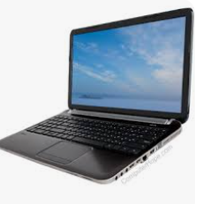
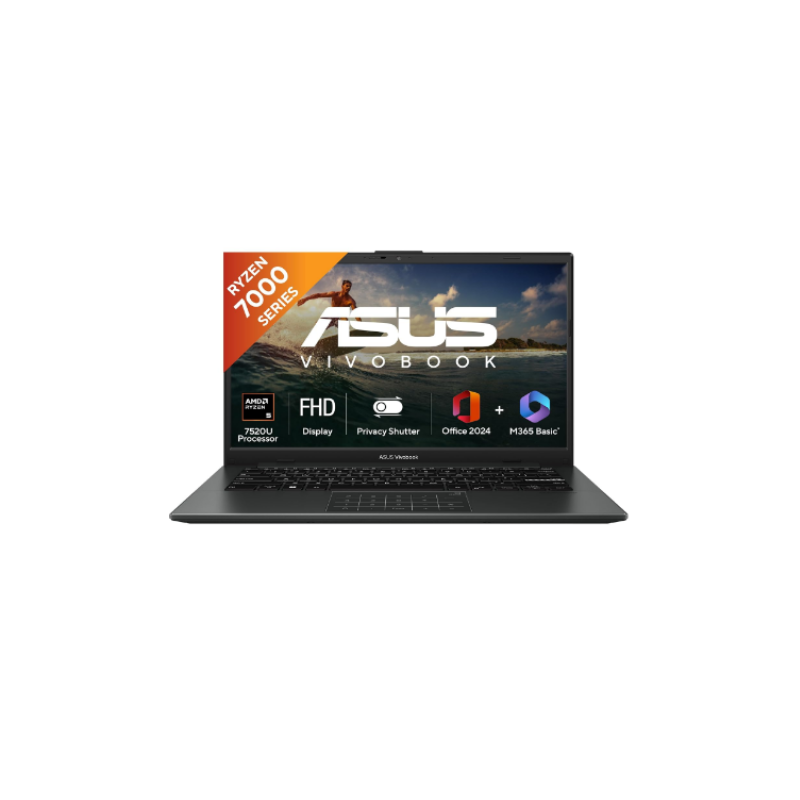
The ASUS Vivobook 14 shown here is a well-balanced entry-to-mid-range Windows laptop built mainly for students, office users, remote workers, and general home productivity. Compared to cheap low-end laptops, this configuration is actually sensible because it combines a modern Ryzen quad-core processor, fast LPDDR5 memory, 512GB NVMe SSD storage, Wi-Fi 6E, fingerprint security, and a lightweight 1.38 kg body. For normal everyday usage, that combination is enough to feel responsive and modern.
The Ryzen processor with 4 cores and 8 threads is perfectly capable for multitasking, Chrome-heavy work, Microsoft Office, content scheduling, Zoom calls, streaming, Canva, light Photoshop work, and daily productivity. The SSD will make boot times and app launches fast, and Wi-Fi 6E support is surprisingly good for this segment because many laptops in this price range still use older wireless standards.
The laptop also includes genuinely useful practical features rather than useless marketing gimmicks. The webcam privacy shutter is good for security, the fingerprint sensor adds convenient login protection, and the backlit keyboard helps during night usage. AI noise cancellation is useful for meetings and calls, especially for remote work environments. MIL-STD-810H durability certification also gives slightly better confidence for daily handling compared to ultra-cheap fragile laptops.
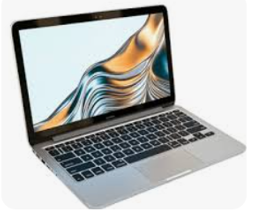
But there are clear compromises, and buyers should understand them honestly. The display is only average. Yes, it’s Full HD IPS and anti-glare, which is good, but 250 nits brightness and 45% NTSC color coverage are mediocre by modern standards. For movies, office work, browsing, and YouTube it’s fine, but for professional color-sensitive editing or premium visual quality, it’s nowhere near higher-end OLED or MacBook displays.
The biggest limitation is the RAM situation. Even though LPDDR5 is fast, this model appears capped at 8GB onboard memory, which is soldered and not realistically upgradeable. In 2026, 8GB on Windows is becoming restrictive for heavy multitasking. If you keep many Chrome tabs open alongside Photoshop, video calls, Spotify, Canva, and editing tools, memory pressure will happen. That’s the main weakness of this configuration long term.
Battery life around 6 hours real-world is decent but not exceptional. Don’t expect MacBook-level endurance. The plastic body also keeps costs lower, but it won’t feel premium like aluminum ultrabooks.
Overall, this is a smart practical laptop for normal productivity users who want portability, modern connectivity, SSD speed, and reliable day-to-day performance without overspending. But if long-term future-proof multitasking matters, the 8GB soldered RAM is the biggest concern here and the one thing that could age badly first.